Stay Safer in a World Full of Digital Threats
Free, beginner-friendly cybersecurity tips for students, young professionals, and everyday people navigating the internet.
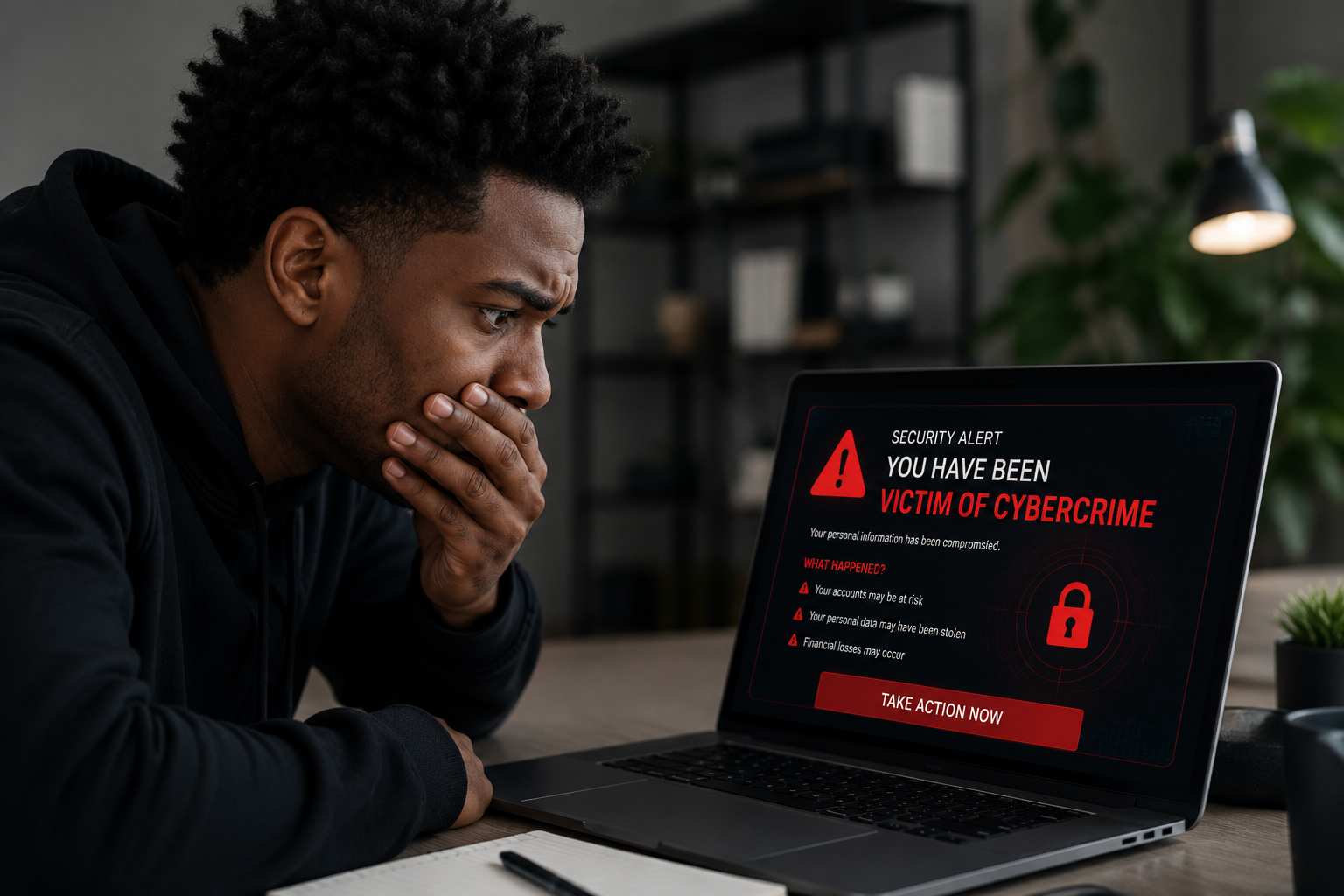
Cybersecurity Basics
Simple Steps That Keep You Safe
You don't need to be a tech expert. These quick habits protect your accounts, devices, and personal data.
Use Strong, Unique Passwords
Avoid using your name, birthday, or "password123." Use a password manager like Bitwarden or 1Password to generate and store complex passwords for every account.
Enable Two-Factor Authentication
Add an extra layer of security to your accounts. Even if someone gets your password, they can't log in without a second code sent to your phone or authenticator app.
Use a VPN on Public Wi-Fi
Coffee shops, airports, and campus networks are prime spots for hackers. A VPN (Virtual Private Network) encrypts your connection so your data stays private.
Recognize Phishing Emails
If an email urges you to "act now" or asks for your password, stop. Check the sender's real email address, and never click suspicious links. When in doubt, go directly to the website.
Keep Your Software Updated
Software updates aren't just new features — they patch security holes. Enable automatic updates on your phone, laptop, and apps so you're always protected.
Back Up Your Data Regularly
Ransomware locks your files and demands payment. A regular backup (to an external drive or cloud service) means you can recover everything without paying a cent.

For Students
Protect Yourself On and Off Campus
Your student accounts hold financial aid info, personal records, and academic data. One compromised password could put all of it at risk. Here's what every student should do right now.
- ✓ Enable MFA on your university email and student portal
- ✓ Never share your student login with anyone
- ✓ Use the campus VPN when accessing library databases
- ✓ Check if your email was in a data breach at haveibeenpwned.com
For Young Professionals
Your Career Data Is Worth Protecting
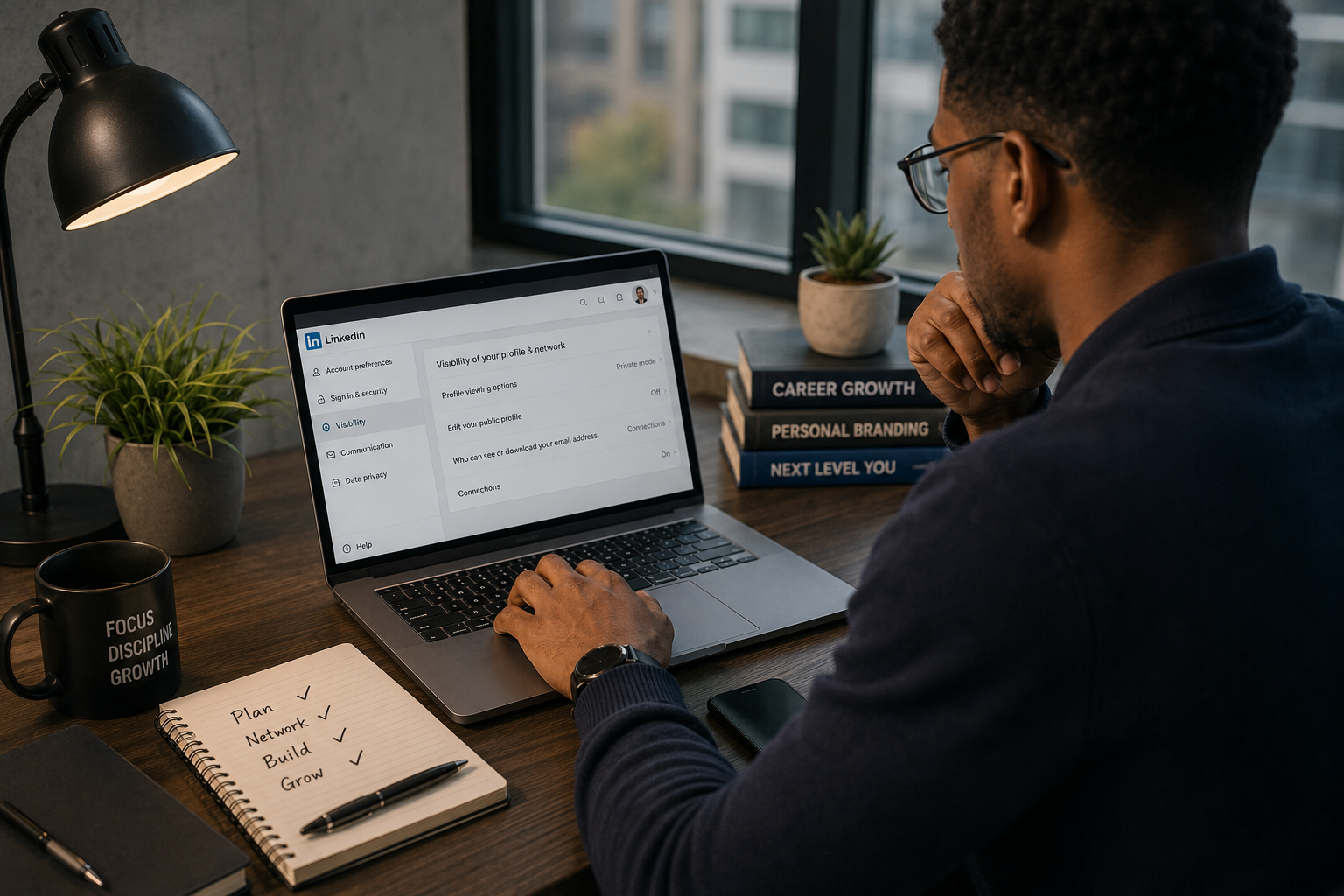
From LinkedIn to your work Slack, young professionals are prime targets. Hackers know you're building your network and may click links from "recruiters" or industry contacts.
- ✓ Set your LinkedIn profile to private when job hunting
- ✓ Verify recruiter emails before submitting resumes
- ✓ Use a separate email for job applications
- ✓ Install antivirus software on your work devices
Trusted Tools & Partners
These products and services help keep you protected online. Some links may be affiliate or sponsored.
VPN Service Name
Short one-liner about what this product does and why your audience needs it.
Learn More →Antivirus Software Name
Short one-liner about what this product does and why your audience needs it.
Learn More →Campus / Student Service
Short one-liner about a campus tech service, student software deal, or local service.
Learn More →Password Manager Name
Short one-liner about what this product does and why your audience needs it.
Learn More →Get Weekly Cybersecurity Tips — Free
Join thousands of students and young professionals getting practical, no-jargon security tips every week. No spam. Unsubscribe anytime.